Run.Walk.Repeat.
Lapwing tells you when to run and when to walk, so you can stop doing sums in your head and just go.
No account. No trial. No ads. For iPhone on iOS 26 or later.
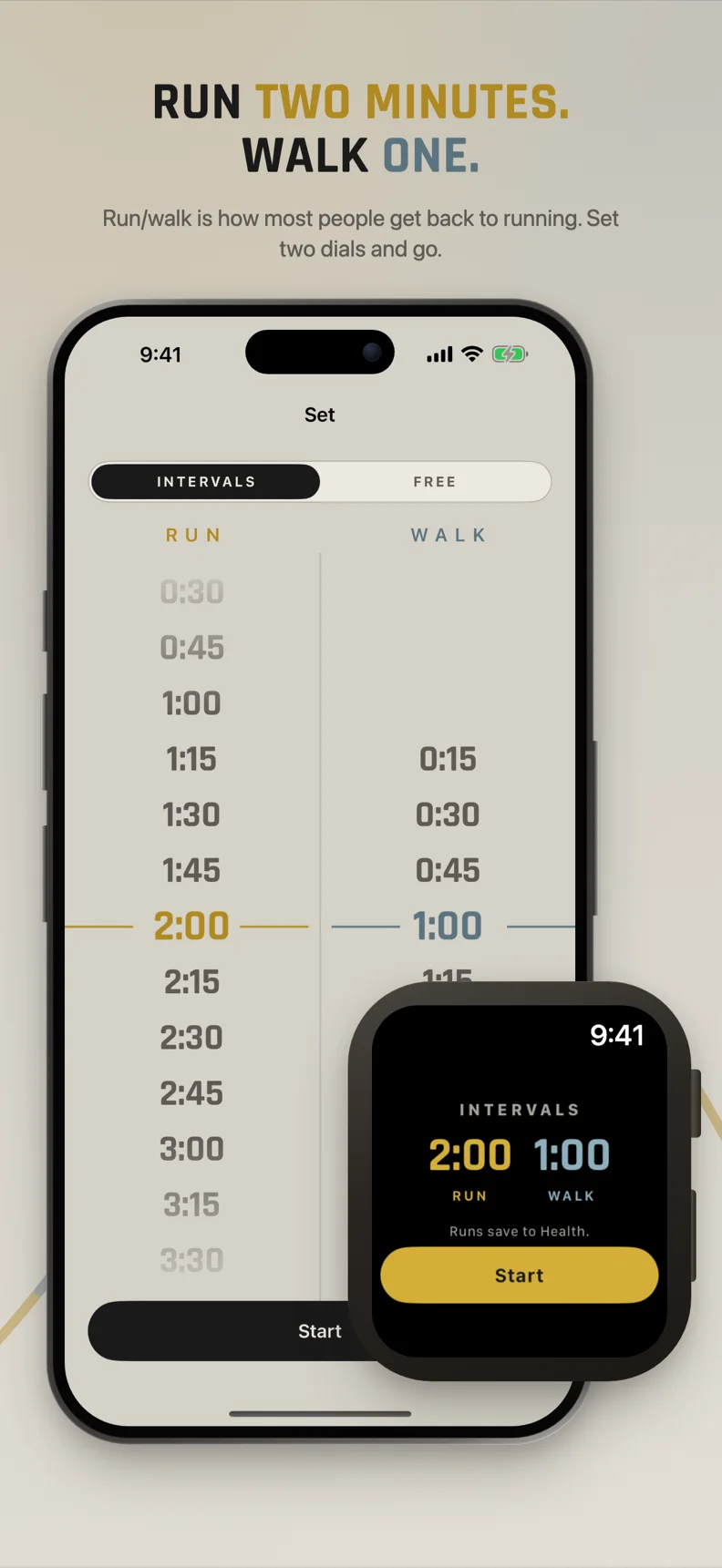
How do you set up a run walk interval timer? Two dials and a start button.
Lapwing is a running interval timer app for iPhone. Pick how long you want to run, pick how long you want to walk, then tap start.
Say 2:00 running and 1:00 walking. That's the whole setup. No plans to build, no blocks to drag around, no menus to dig through before you've even laced up.
If you're just getting back into running, that's the point. Walking breaks aren't cheating. They're how a lot of people get round, and keep coming back next week.
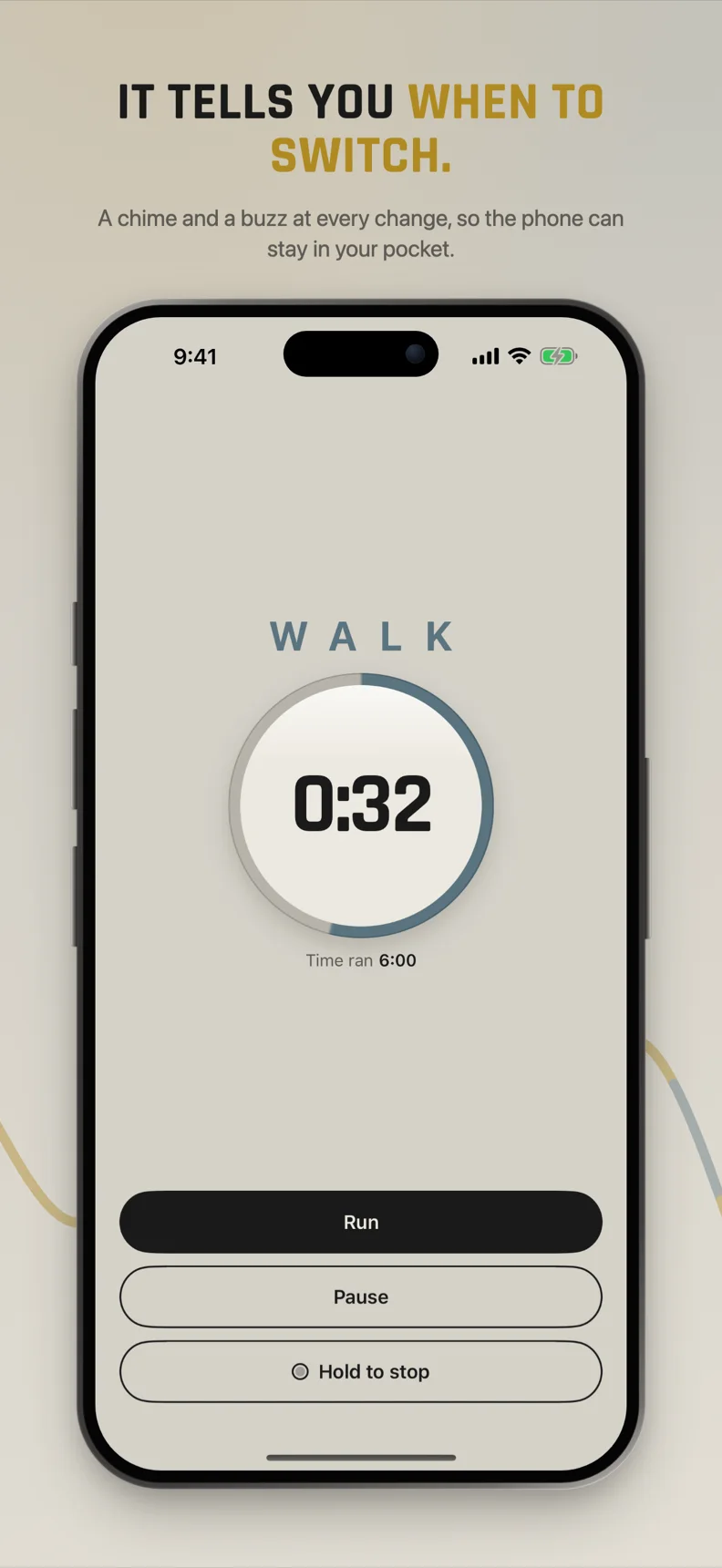
Phone in pocket, eyes on the road.
Lapwing counts down each interval and tells you when to switch between running and walking, so you don't have to keep checking your phone.
It also tracks your route, distance and pace while you go, and splits every run into its intervals so you can see how each one went.
Intervals
Run, walk, repeat on the timings you chose. Lapwing keeps count.
Free
No timer telling you what to do. Just go, and Lapwing records the run.
Both modes are included free.
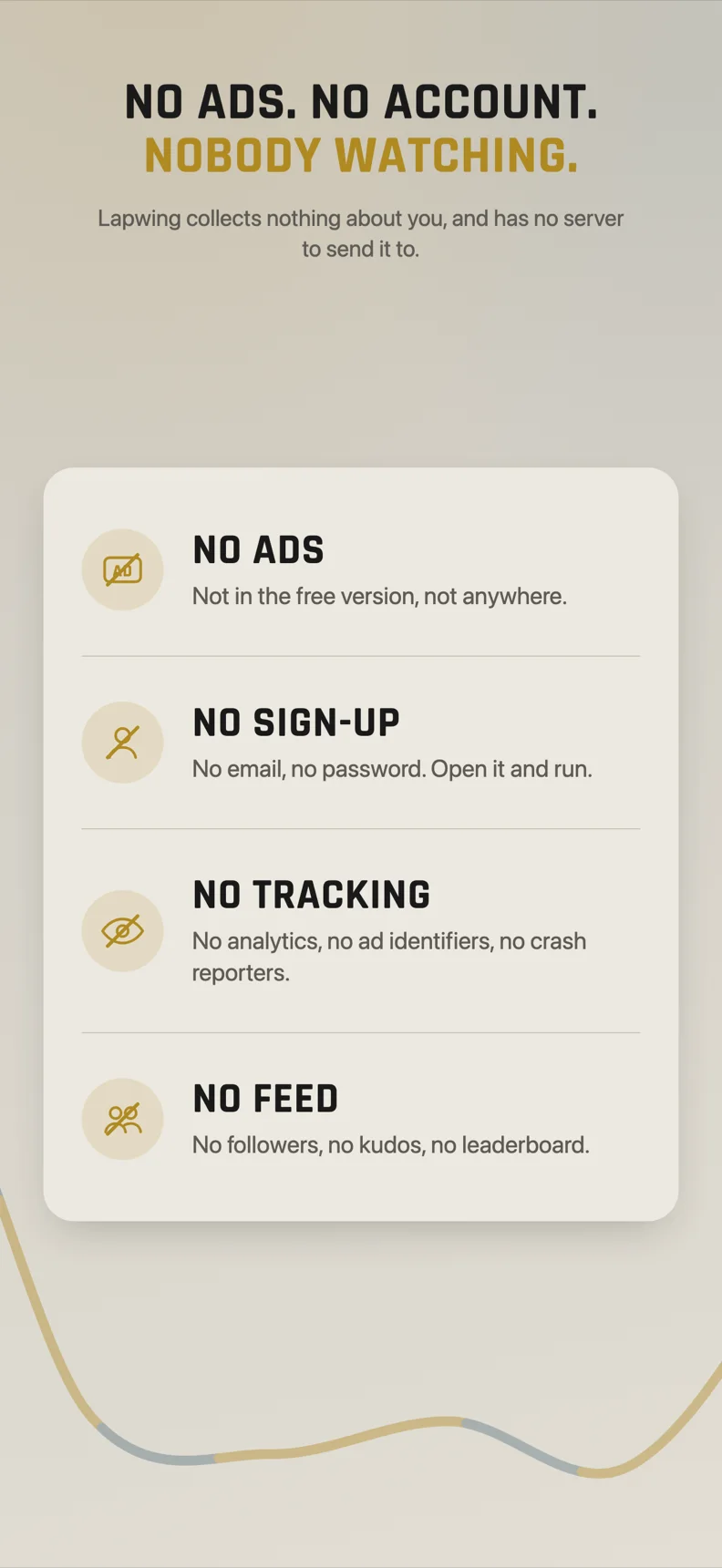
Nobody is watching.
Lapwing is an interval timer with no ads and no account. You open it and run. That's it.
- No account
- No sign-up
- No ads
- No tracking
- No feed
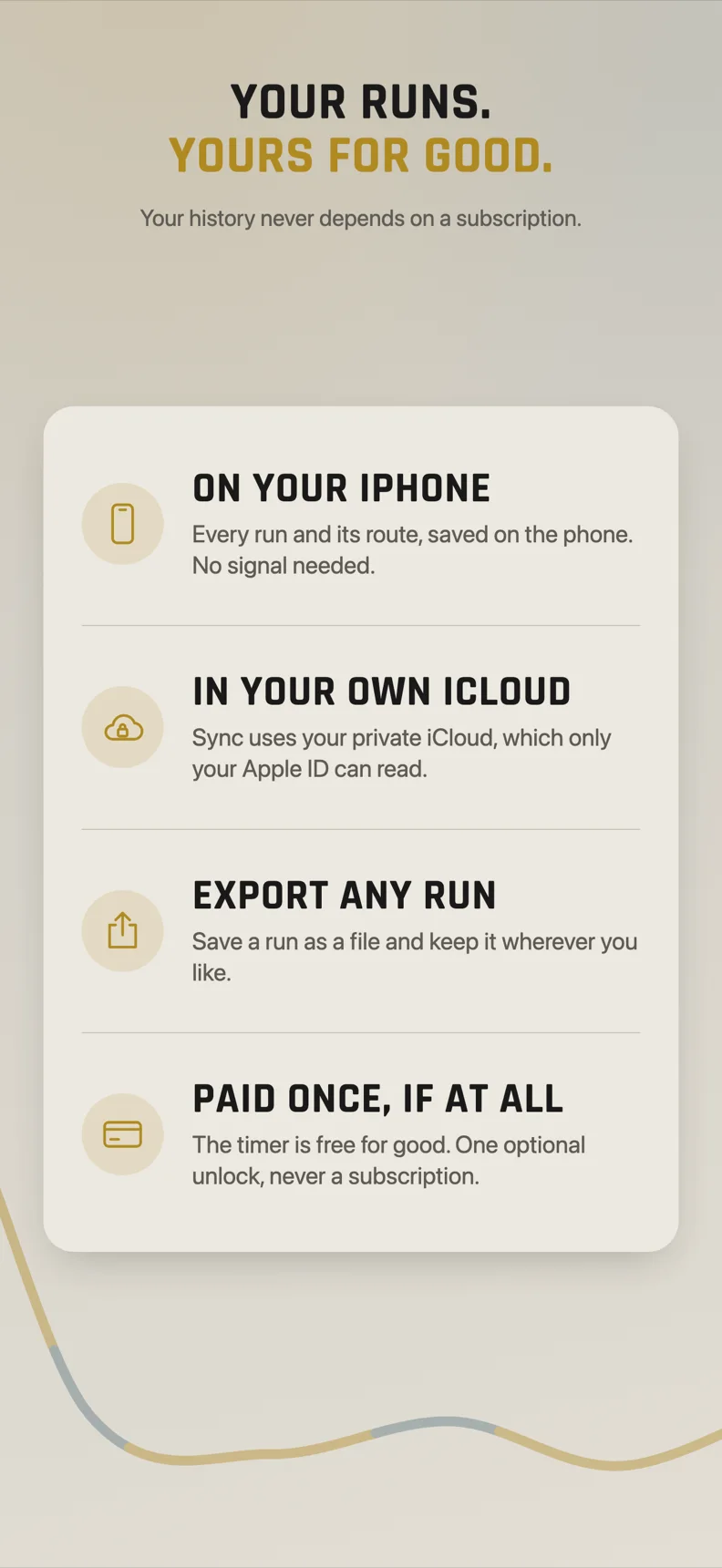
Your runs stay yours.
Your runs are stored on your device. Nobody gets a leaderboard, nobody gets kudos, nobody sees your slow days. Want your data somewhere else? Export any run as a file.
Who is a run/walk timer for?
Lapwing is for anyone who runs with walking breaks, especially people starting out or starting over.

Perfect for
- Getting back into runningEase back in with walk breaks built in, not guessed at.
- Run/walk beginnersBeginner running intervals without doing the maths mid-run.
- Couch-to-5K style plansUse it as a couch to 5K interval timer: set the week's run and walk times and go.
- Easy recovery runsKeep the easy days easy with steady, gentle intervals.
What Lapwing isn't
- Not a social networkNo feed, no followers, no comments on your pace.
- Not a subscriptionFree to use. One $4.99 payment unlocks the rest.
- Not a kitchen-sink HIIT timerIt does run, walk, repeat. It does it well.
An interval running app with no subscription.
Lapwing is free to use, with no account, no trial and no ads. A lot of timer apps ask for a yearly subscription. Lapwing asks for one payment of $4.99, once, if you want more.
Free
No account, no trial, no ads.
- Both modes (intervals and free)
- Route map, distance and pace
- Interval splits on every run
- Your three most recent runs
- Week and month dashboard, with a map of every route
- Export any run as a file
Lifetime unlock
One payment, not a subscription.
- Every run you have ever done
- Six month and year dashboards
- The Apple Watch app, with heart rate
- iCloud sync across your devices
- Everything in Free, unchanged
Frequently asked questions
What does Lapwing do?
Lapwing is a run walk interval timer for iPhone. It tells you when to run and when to walk, so you don't have to count in your head, and it records your route, distance and pace.
Is Lapwing free?
Yes. The free version includes both modes, route map, distance, pace, interval splits, your three most recent runs, a week and month dashboard and export. There is no account, no trial and no ads.
Is the Lapwing unlock a subscription?
No. The Lifetime unlock is a one-time payment of $4.99. It adds every run you have ever done, six month and year dashboards, the Apple Watch app with heart rate, and iCloud sync.
Do I need an account to use Lapwing?
No. There is no account and no sign-up. Your runs are stored on your device, and you can export any run as a file.
Which devices does Lapwing run on?
Lapwing runs on iPhone with iOS 26 or later, in portrait only. There is no iPad app.
Go for a run.
Two dials, one tap, and Lapwing handles the counting. Free to start, $4.99 once if you want the lot.
Requires iPhone with iOS 26 or later.